 Diira
Diira






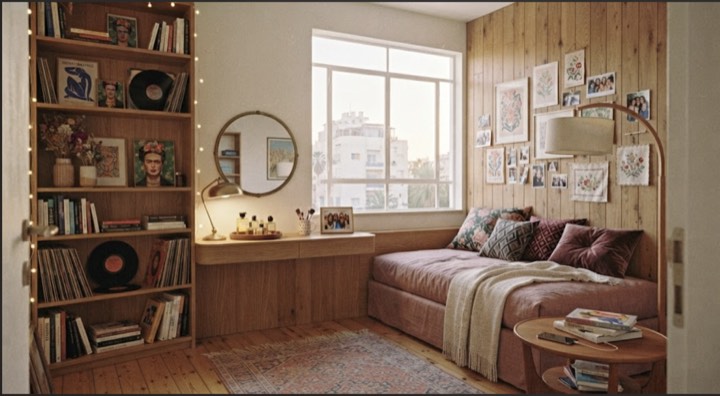
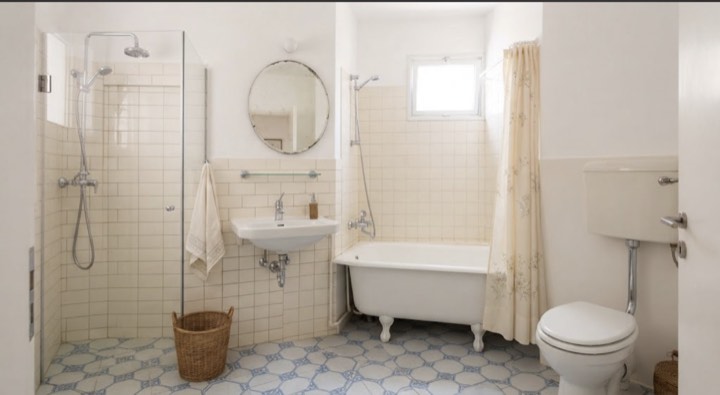


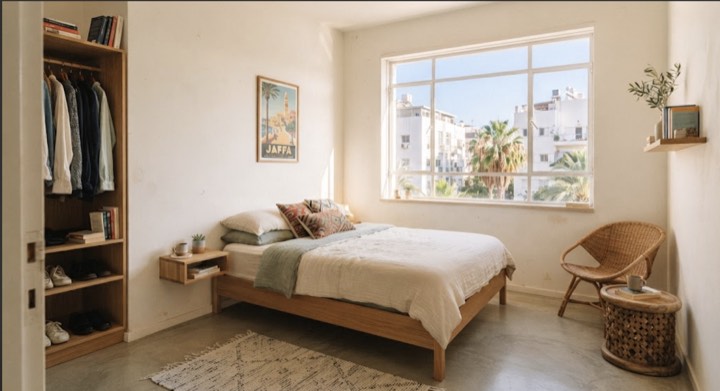

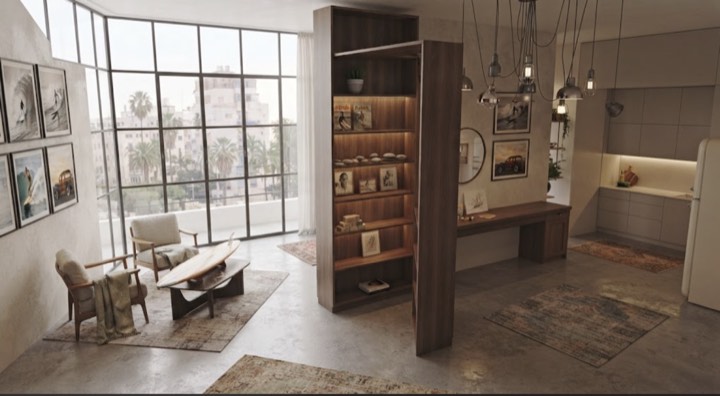





Apartment hunting has never been this easy.
Say once what matters to you. Diira sorts the apartments for you, and you send your request in one gesture.
Follow @diira.appHow it works
Three gestures, that's all.
Say what you're looking for
The neighbourhoods, the budget, the dates — and what you won't compromise on.
Swipe, list or map
Browse listings the way you like, each with its percentage. Swipe right and your request is sent.
Accepted, then chat
A notification, one tap, and the conversation opens.
Post your ad
A few steps, a preview, and it's live.
Requests come in
A notification for each request, all in one place, each with its dates and budget.
The conversation opens
Accept, and the conversation opens with the person's first message already there.
Why Diira
No more Facebook and WhatsApp group chaos.

Looking for a place
- Everything in one placeNo more digging through groups: listings are organised, with the same information.
- Sorted for you, right awayA percentage based on your criteria. What fails your dealbreakers doesn't even show up.
- Know right awayA notification when your request is accepted, and for every new message.
- Long-term or subletFor a year or a few months: you only see what fits your dates.
- Really simpleSet your criteria once. After that, everything takes one gesture.

Offering an apartment
- No more random messagesNo more messages scattered across WhatsApp and Facebook: every request lands in one place, with each person's dates and budget.
- Choose, then carry on wherever you likeAccept in one gesture and the conversation opens, without giving out your number. If it clicks, move to WhatsApp.
- Ad hidden, silenceFound someone? Hide your ad: no new requests. Unlike a group post that keeps drawing messages for weeks.
- Nothing slips byA notification for every new request and every new message.
- Away for a few months?Post a sublet with your exact dates, with your landlord's agreement.
How does the match % work?
Every listing is scored against what you asked for in Preferences. Your places, budget, dates and dealbreakers hide what doesn't fit; everything else only changes the order.
Why don't I see some listings?
Three reasons:
- Your Preferences: the places, budget and dates you chose, wheelchair access if you asked for it, and any dealbreaker you switched on.
- The lister's ad: they can show it only to people who don't smoke at home, or who have no pets (real estate agents excepted).
- Your own choices: you never see again a listing you reported, or anything from someone you blocked.
What happens after I send a request?
The lister sees your profile and your note. Then:
- Accepted: a conversation opens between you.
- Otherwise: it moves to Closed in Requests › Sent — declined, or no answer after 7 days.
Who sees my address?
You choose when you enter the address:
- the exact address
- the street and neighbourhood
- or the neighbourhood only
Address suggestions come from Google, so what you type in that field is sent to them. Diira never asks your phone for its location.
Can owners and agents use Diira?
Yes. A private lister posts an apartment. A real estate agent opens an agent account with their licence number, and posts apartments too.
How do I delete my account?
Settings › Delete account. Your profile, photo, listings, requests and Preferences are deleted. Messages you sent stay in the other person's conversation, shown as "Deleted user". The screen lists what else is kept, and why.